Personalization
Use template variables to personalize each message with recipient data.
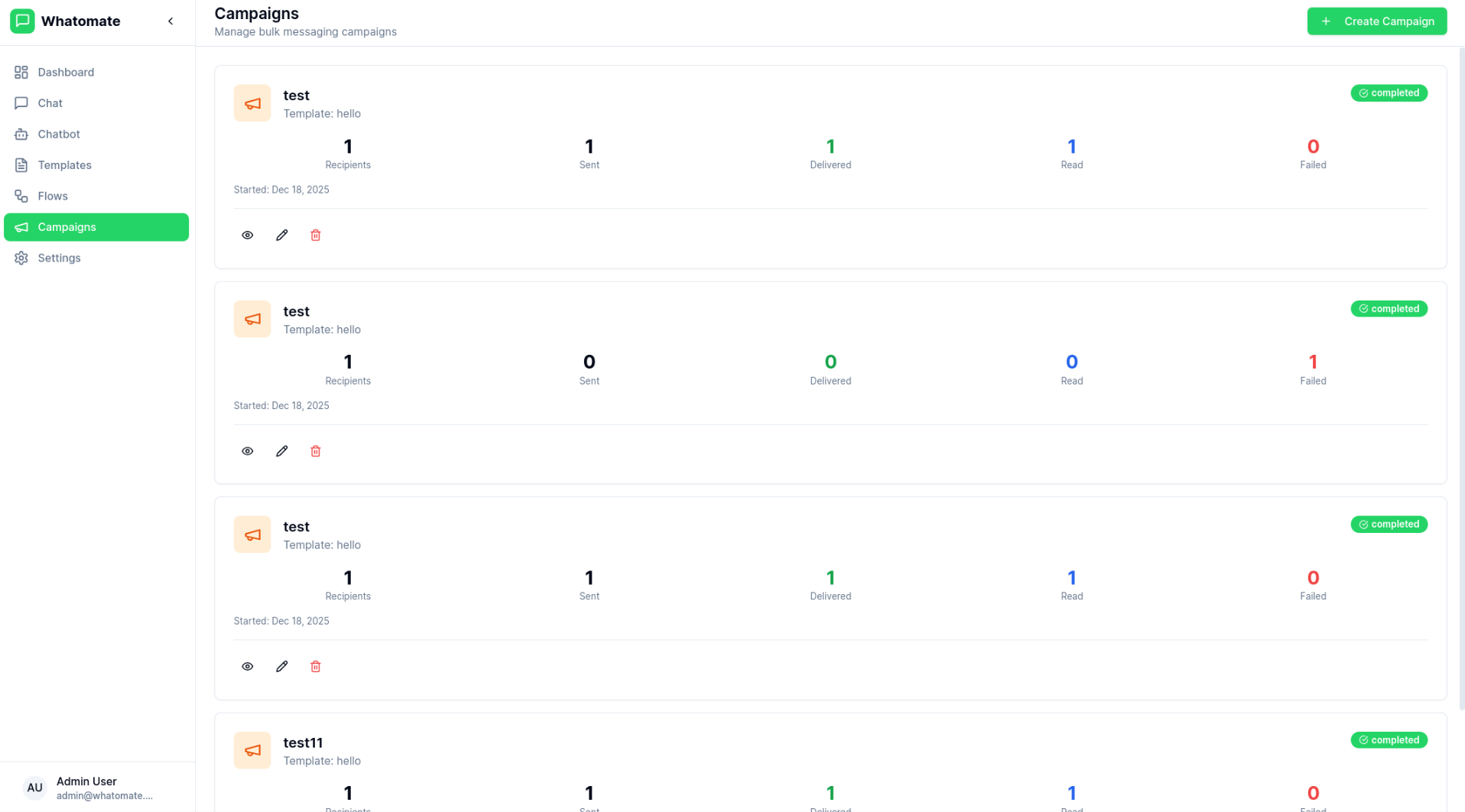
Campaigns allow you to send bulk WhatsApp messages to multiple contacts at once. Whether you’re sending promotional offers, updates, or notifications, Whatomate handles the delivery efficiently while respecting WhatsApp’s rate limits.
Select Template
Choose an approved message template for your campaign.
Define Audience
Select contacts or upload a contact list for targeting.
Set Variables
Configure template variables for personalization.
Schedule (Optional)
Schedule the campaign for a specific date and time.
Review & Send
Review the campaign details and send or schedule it.
You can add recipients to your campaign in two ways:
Add recipients one at a time by entering:
For bulk imports, upload a CSV file with your recipient data:
Prepare Your CSV
Create a CSV file with columns for phone number, name, and template parameters:
phone,name,param1,param2+1234567890,John Doe,Order #123,December 25+0987654321,Jane Smith,Order #456,December 26Upload and Validate
The system automatically validates your CSV against the selected template:
Review and Import
Preview the validation results before importing:
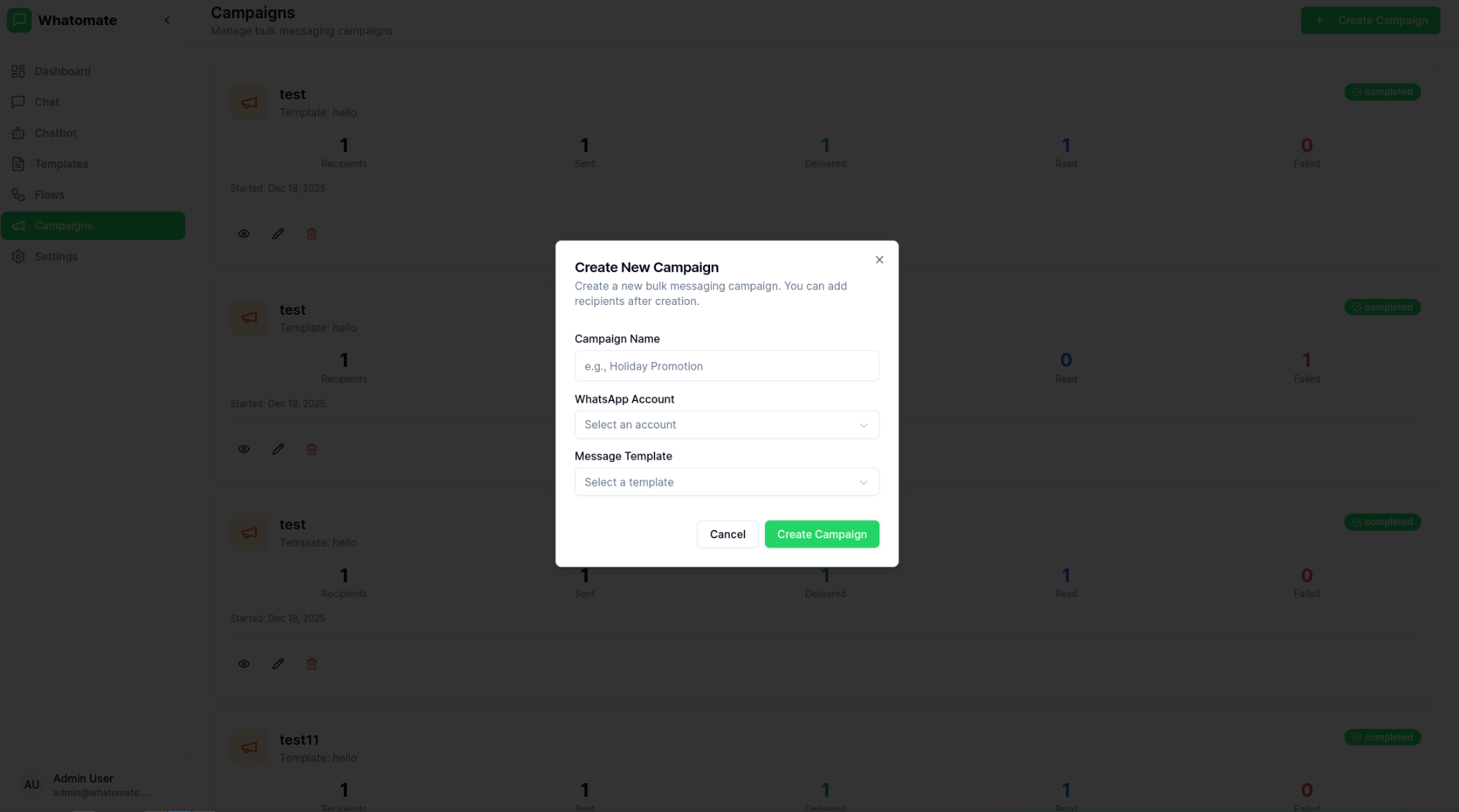
Track your campaign performance with detailed analytics:
| Metric | Description |
|---|---|
| Total | Total number of recipients |
| Sent | Messages successfully sent |
| Delivered | Messages delivered to recipients |
| Read | Messages opened by recipients |
| Failed | Messages that failed to send |
Each recipient’s message status is tracked individually:
Personalization
Use template variables to personalize each message with recipient data.
Scheduling
Schedule campaigns for optimal delivery times.
Rate Limiting
Automatic rate limiting to comply with WhatsApp policies.
Analytics
Real-time tracking of delivery and engagement metrics.